
Free Logo Animator: No Timeline Needed
A free logo animator that runs in the browser — upload a transparent logo, pick a track, and export a beat-synced opener for Reels and Shorts in minutes.

Why animate your nike logo
A free logo animator that runs in the browser — upload a transparent logo, pick a track, and export a beat-synced opener for Reels and Shorts in minutes. Animate your logo with this brand style: a short-form video in minutes. No animator, no agency, no After Effects — just upload and ship.
⚡Free survives the export step
The place a free logo animator usually breaks is the last click: a watermark over the mark, a resolution ceiling, or a render allowance that resets tomorrow. Here the free tier covers the whole job — 720p, 1080p and 4K exports during the launch window, no watermark, no credit card, and no counter to watch.
⚡One upload, no project setup
A transparent SVG or PNG is the entire input. The editor reads the mark's real edges, so the animated logo lands on a colored frame without a white box riding along behind it — no composition to size, no placeholder layer to hunt down, and no alpha channel to rebuild by hand.
⚡The part people pay for is included
Timing is what a motion designer is actually paid for: where the entrance ends, which frame the settle lands on, how long the hold runs before the cut. The tool reads the music's beat markers and switches the frames on the hits, so the free route ships the same timing the paid route does.
⚡Terms stated before the first click
Four things decide whether a free logo animator is usable: which upload formats it takes, which resolutions it exports, whether the output carries a mark, and whether the file can be used commercially. All four are answered on this page rather than inside a licence document you only open after the render.
⚡Built for the fortieth export
A brand that opens every post with the same mark needs that opener forty times a year, and a per-render price quietly rations it. The frames, the track and the mark size stay saved against the logo, so export number two is a re-render rather than a rebuild.
How to animate your logo
Upload your logo
Choose frames
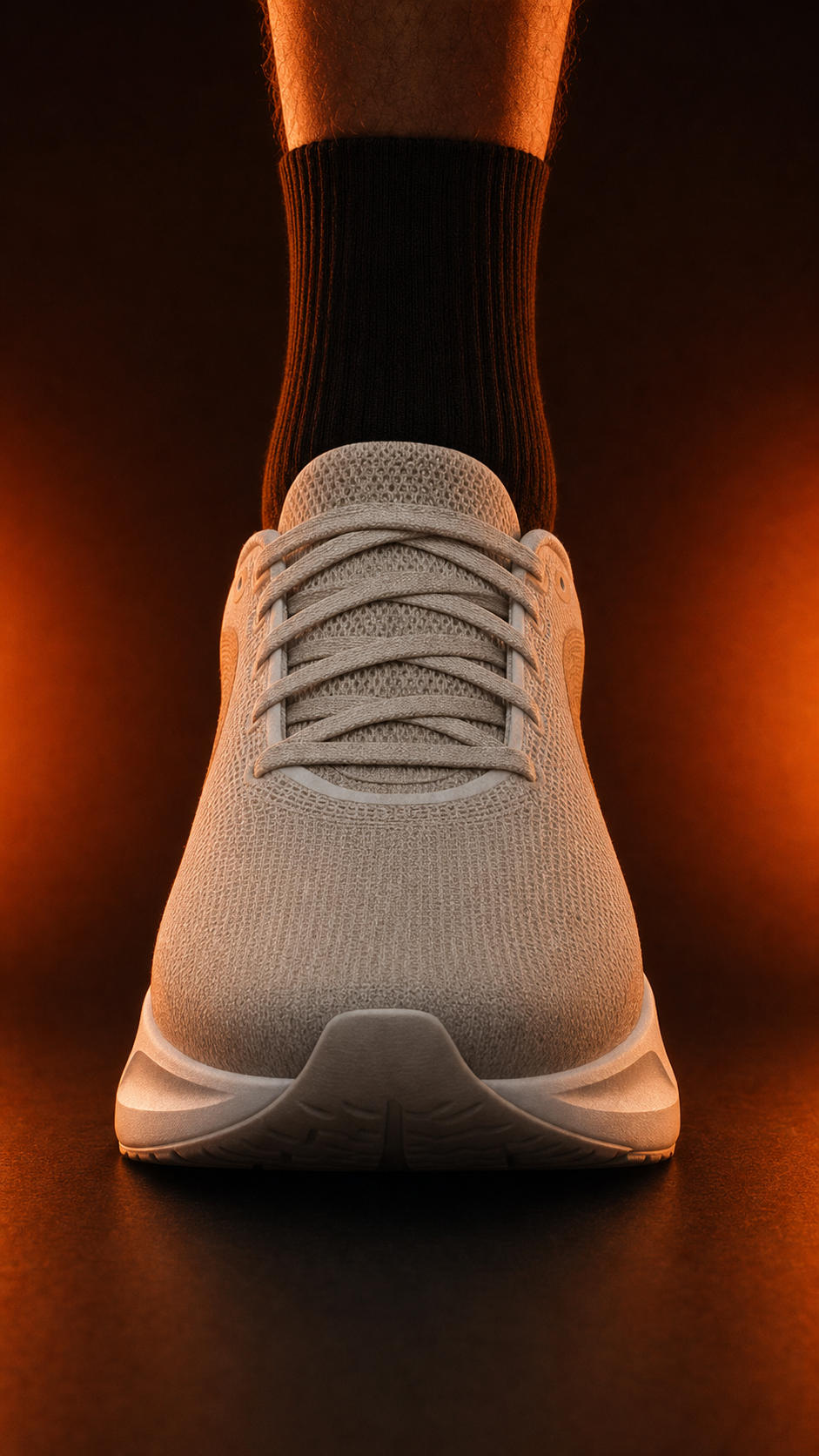
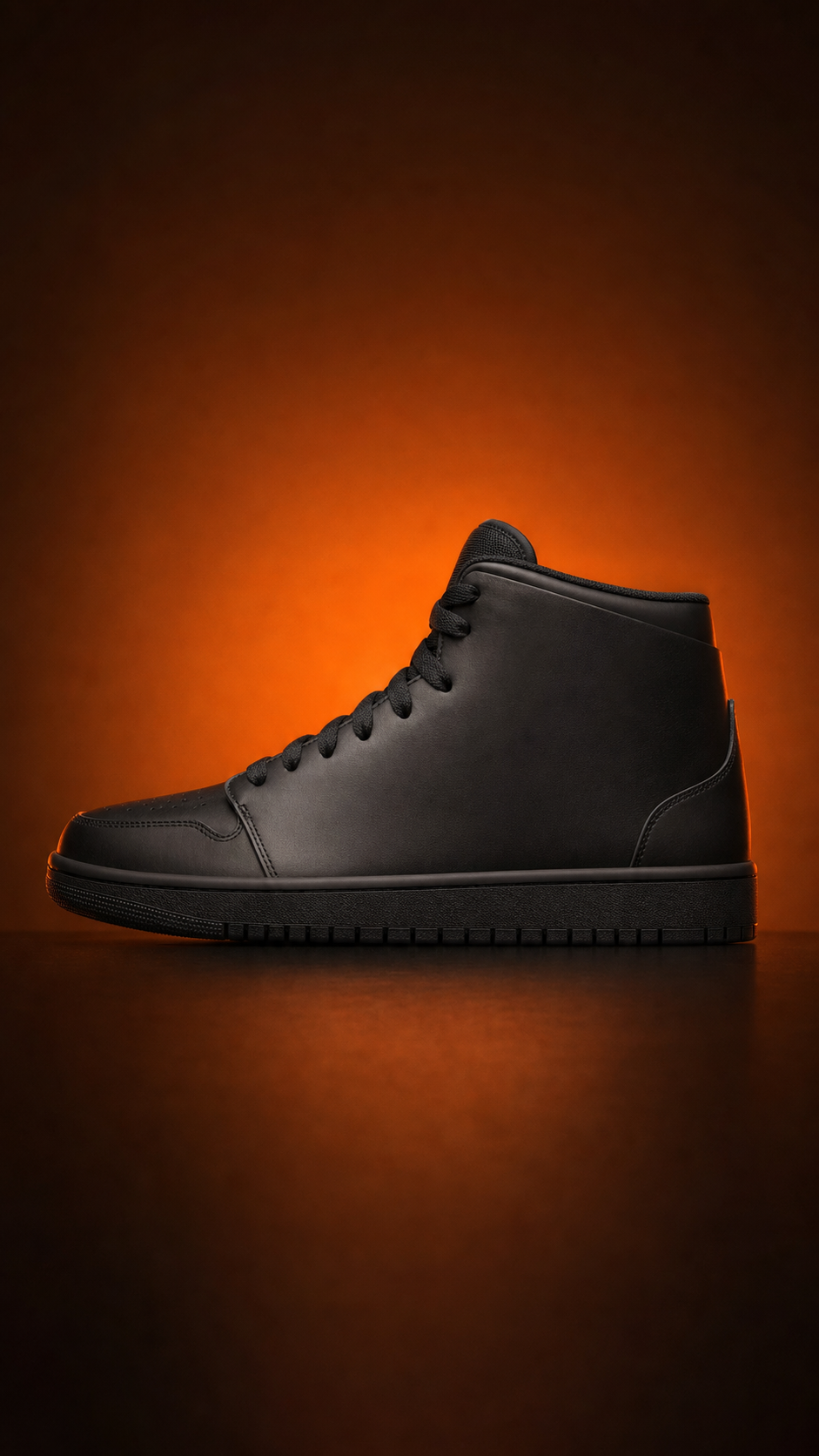
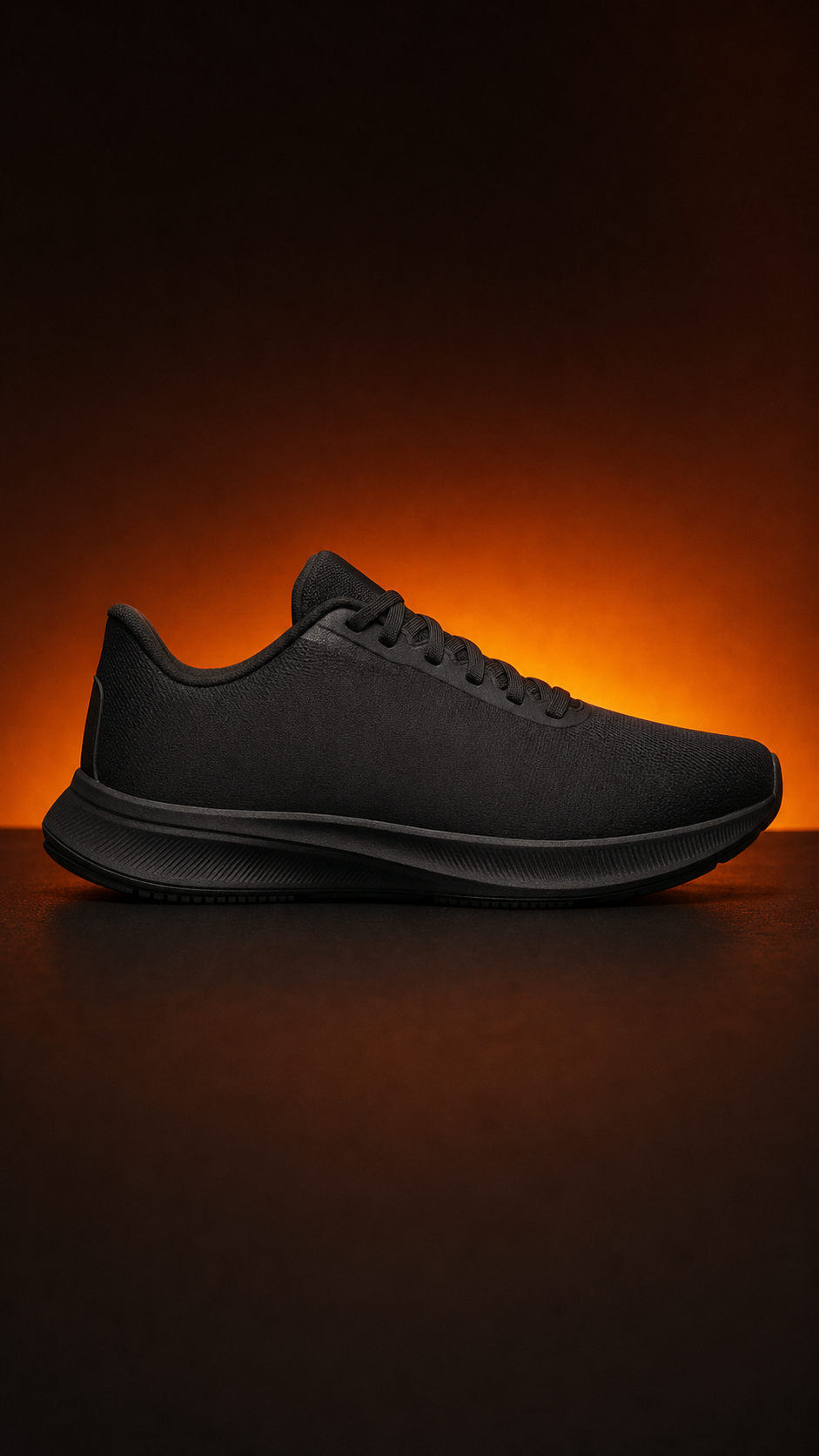
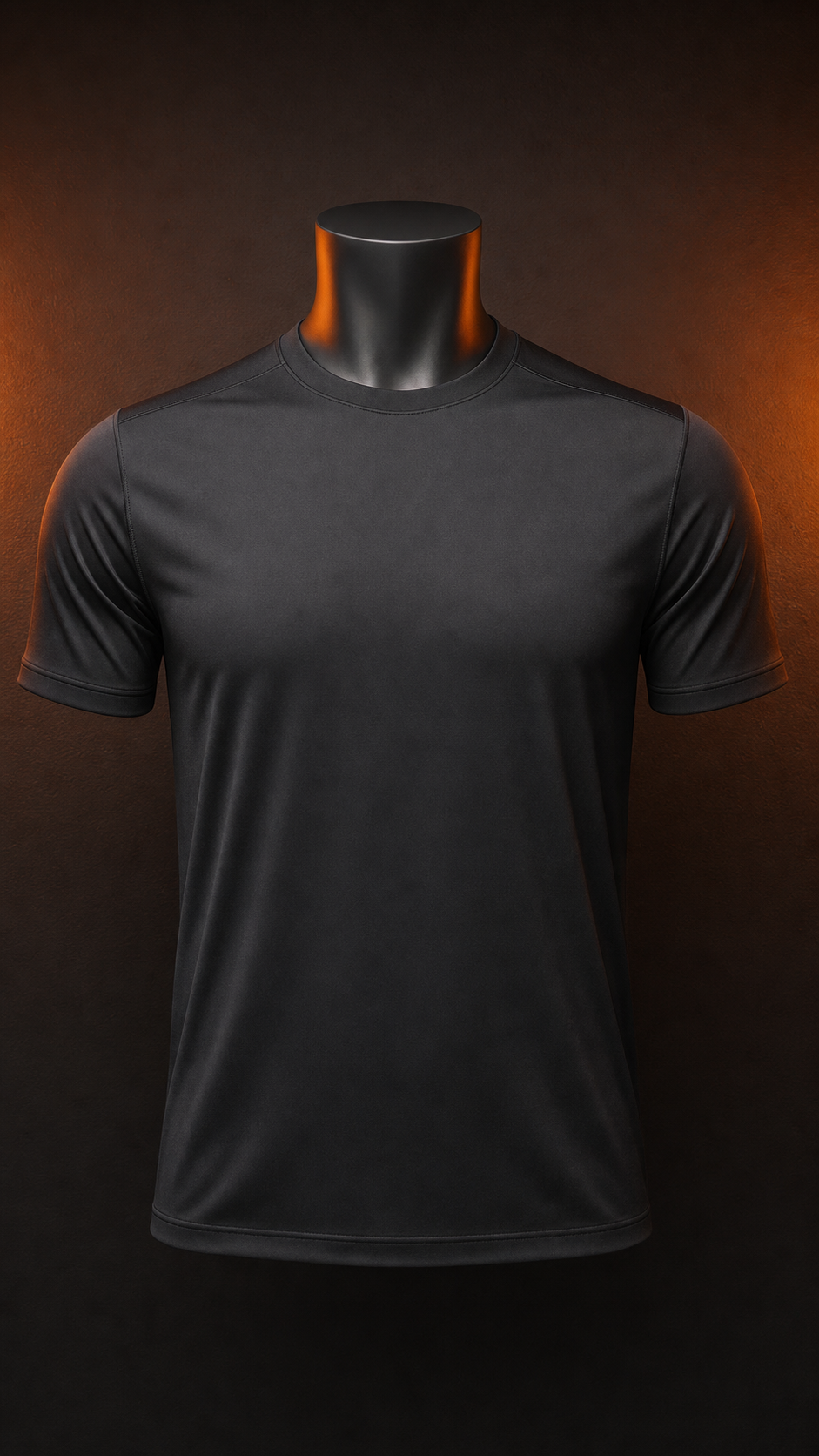
Download your video
Why animate your logo
free logo animator is a search with two demands inside it, and the second one is the harder of the two. Free rules out the subscription, the seat licence and the render credit. Animator rules out the slideshow, the static title card and the template that outputs a video somebody else's logo already occupies. A tool has to satisfy both before the phrase is worth anything to the person typing it.
The reason so many free tools disappoint is that the word free is defined at the point of entry and quietly redefined at the point of export. A page advertises a free animator, then caps the download at 720p, stamps a mark across the corner, or counts renders against a daily allowance. The honest test is a short list of disclosures: which upload formats are accepted, which resolutions leave the tool, whether the file carries a watermark, and whether the output can be used commercially. A free logo animator that answers all four before you upload is one you can plan real work around.
Here the four answers are short. Transparent SVG and PNG go in; 720p, 1080p and 4K come out; no export carries a watermark; and everything you make is yours to use commercially during the launch window. That is the free tier itself rather than a preview of a paid one, and the difference shows up in the second week, when a small brand wants a vertical opener for a Reel plus a 16:9 version for the website hero without paying twice for the same five seconds.
Timing is the part of animation that is genuinely skilled work, and it is also the part a free tool can absorb completely. Deciding that the entrance takes half a second, that the settle lands on the downbeat and that the hold runs long enough to read the name is a judgment a designer earns money for. Finding the beat markers in a track and switching the frames on the hits is mechanical, and once a tool does it, what is left for the person is taste — which frames, which song, how large the mark sits.
The last argument for a free logo animator is arithmetic rather than philosophy. A brand posting five times a week needs an opener roughly two hundred and fifty times a year, and any per-render price turns that into a budget line somebody has to defend. When the frames, the track and the mark size stay attached to the logo, every export after the first is a re-render instead of a rebuild — and a workflow that costs nothing per use is the only one a small team actually keeps.
Perfect for
Frequently asked questions
What is a free logo animator?
It is a browser tool that turns a static brand mark into a short animated clip without a software subscription. You upload a transparent SVG or PNG, choose background frames and a track, and the tool cuts the animation to the music's beat markers before exporting. Nothing is installed and no timeline has to be learned.
Is a free logo animator really free?
Yes. Making and exporting animated logos on logoto.video is free during the launch window, including 720p, 1080p and 4K exports with no watermark and no credit card. There is no trial clock and no render counter, so the same mark re-exports as often as your content calendar needs it to.
Do free exports come with a watermark?
No. Exports carry no watermark over the mark or anywhere else in the frame, at every resolution the tool offers. That matters more than it sounds: a watermark across a brand opener makes the file unusable on a paid placement, so a free tier that stamps one is not free for the job most people are doing.
Can I use the animated logo commercially?
Yes. Anything you export is yours to use in ads, social posts, product pages, client work and event screens. Paid tiers add higher volume and team features rather than unlocking commercial rights, so a small brand can run a full campaign on the free tier without a licence conversation.
Do I need design skills or After Effects?
Neither. There is no timeline, no keyframe editor and no easing curve to shape — the workflow asks three questions: which background frames, which track, and how large the mark sits. Everything mechanical, from beat detection to rendering, happens without you, which is why the first animated logo takes minutes.
From the blog
Workflows, references, and strategies for motion-first brands.
Video is where customers are: 91% of businesses use video as a marketing tool (Wyzowl), and Wistia's retention data shows a short, branded opener keeps viewers longer than a static frame.