
Logo to Animation: Make Your Mark Move
Turn your logo into animation in minutes: upload a transparent SVG or PNG, pick frames and a track, and export a beat-synced video for Reels and Shorts.

Why animate your nike logo
Turn your logo into animation in minutes: upload a transparent SVG or PNG, pick frames and a track, and export a beat-synced video for Reels and Shorts. Animate your logo with this brand style: a short-form video in minutes. No animator, no agency, no After Effects — just upload and ship.
⚡A conversion, not a redesign
Logo to animation takes the file you already use and gives it motion — it never asks you to redraw the mark. Upload the same transparent PNG that sits on your website, and the editor reads its edges and animates it as-is, so the moving logo is unmistakably your logo.
⚡Clean inputs, clean outputs
A transparent SVG or PNG converts cleanly and the editor keeps the mark's edges, so no white box rides along into the video. The animated logo sits naturally on any frame color, any post background and any platform.
⚡From upload to export in minutes
Pick four to eight background frames, choose a track, and the tool cuts the animation to the music's beat markers automatically. The first logo to animation conversion finishes in minutes — which is roughly how long it takes to find the keyframe button in After Effects.
⚡One mark, every screen
Export 9:16 for Reels and Shorts, or 16:9 up to 4K for the website hero and event screens. One converted logo animation master feeds the whole content calendar without a second edit.
⚡Free in the browser
No After Effects, no timeline, no render queue. The conversion runs entirely in the browser, and unlimited 720p, 1080p and 4K exports are free during the launch window.
How to animate your logo
Upload your logo
Choose frames
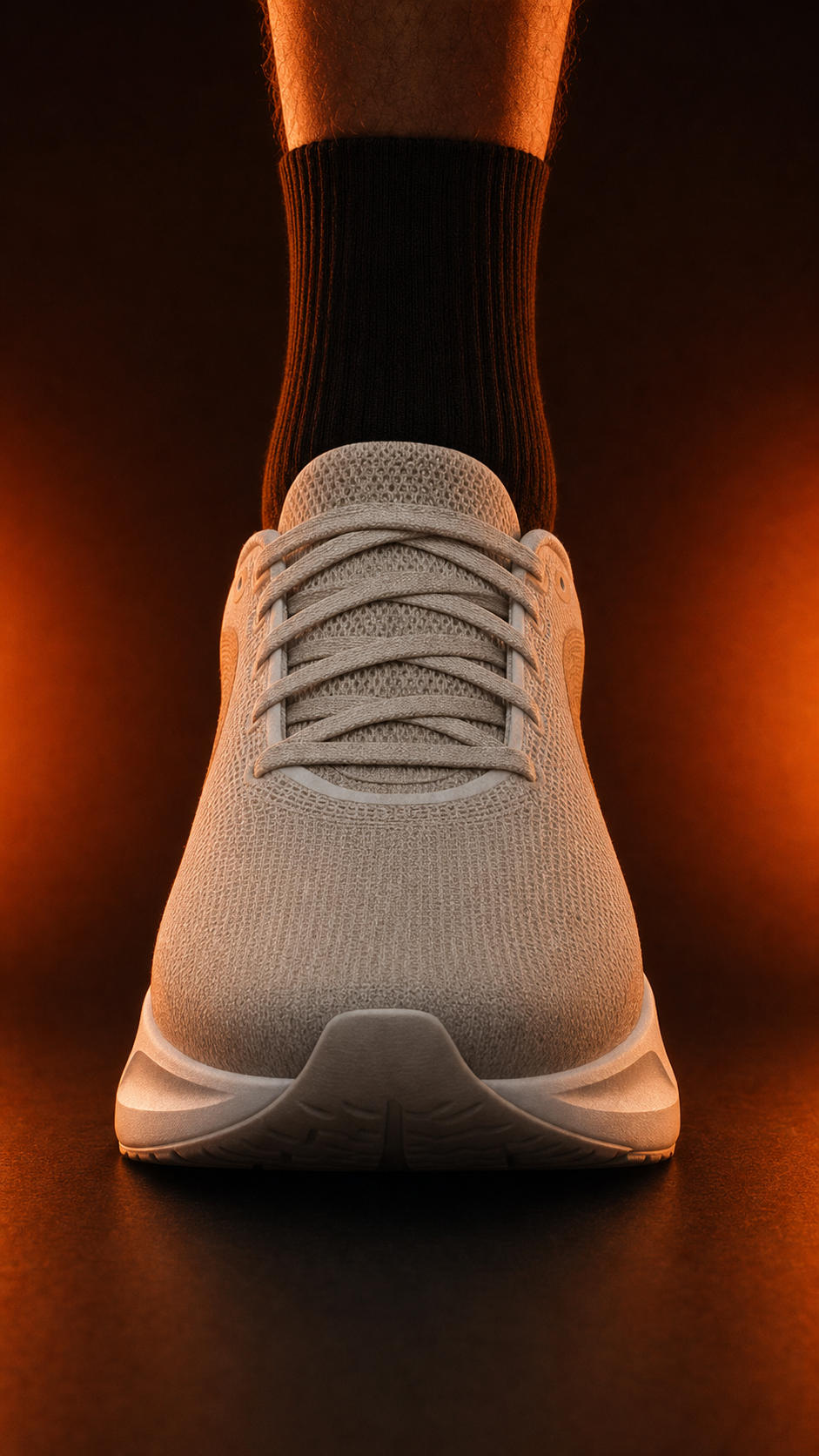
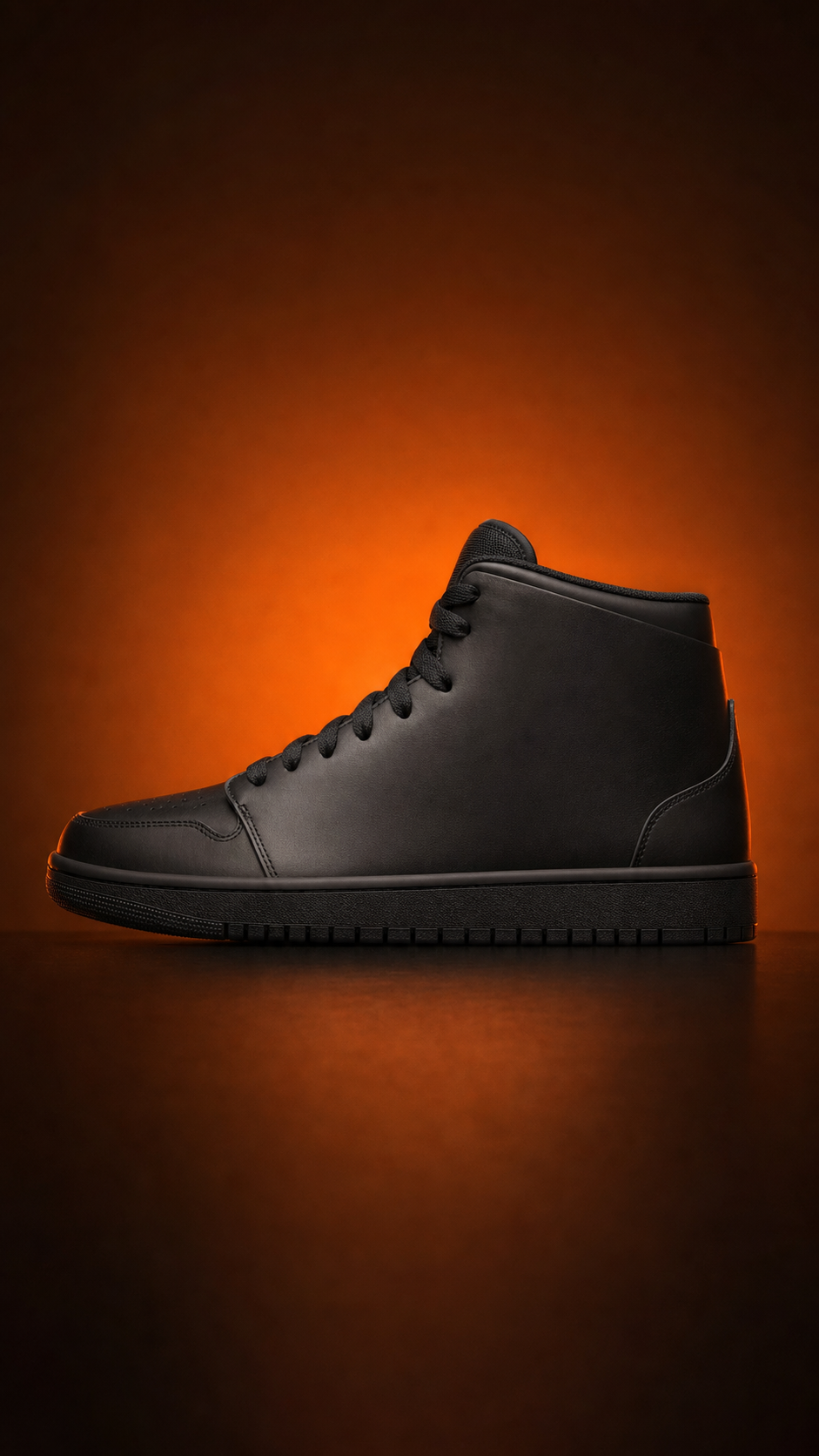
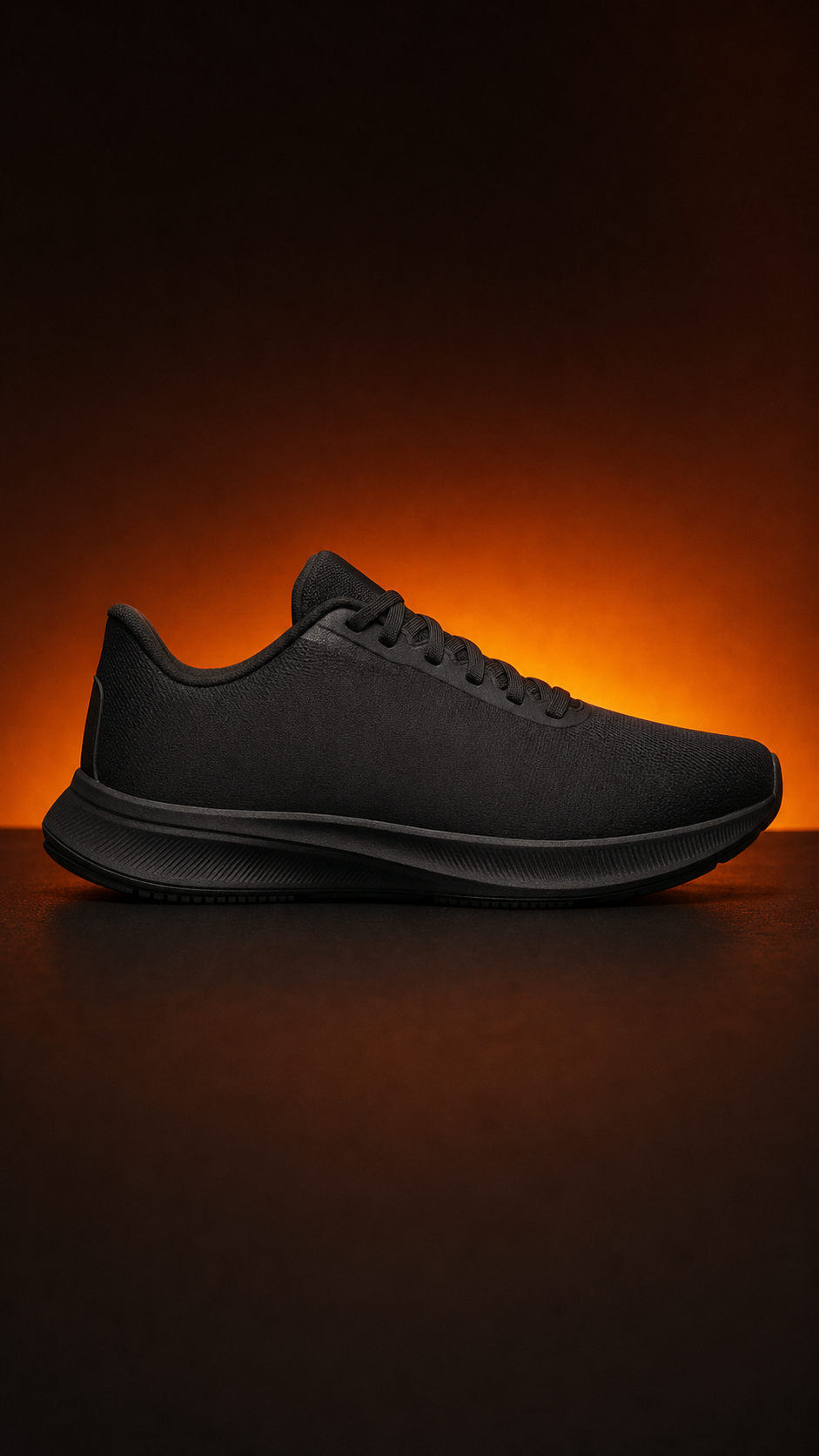
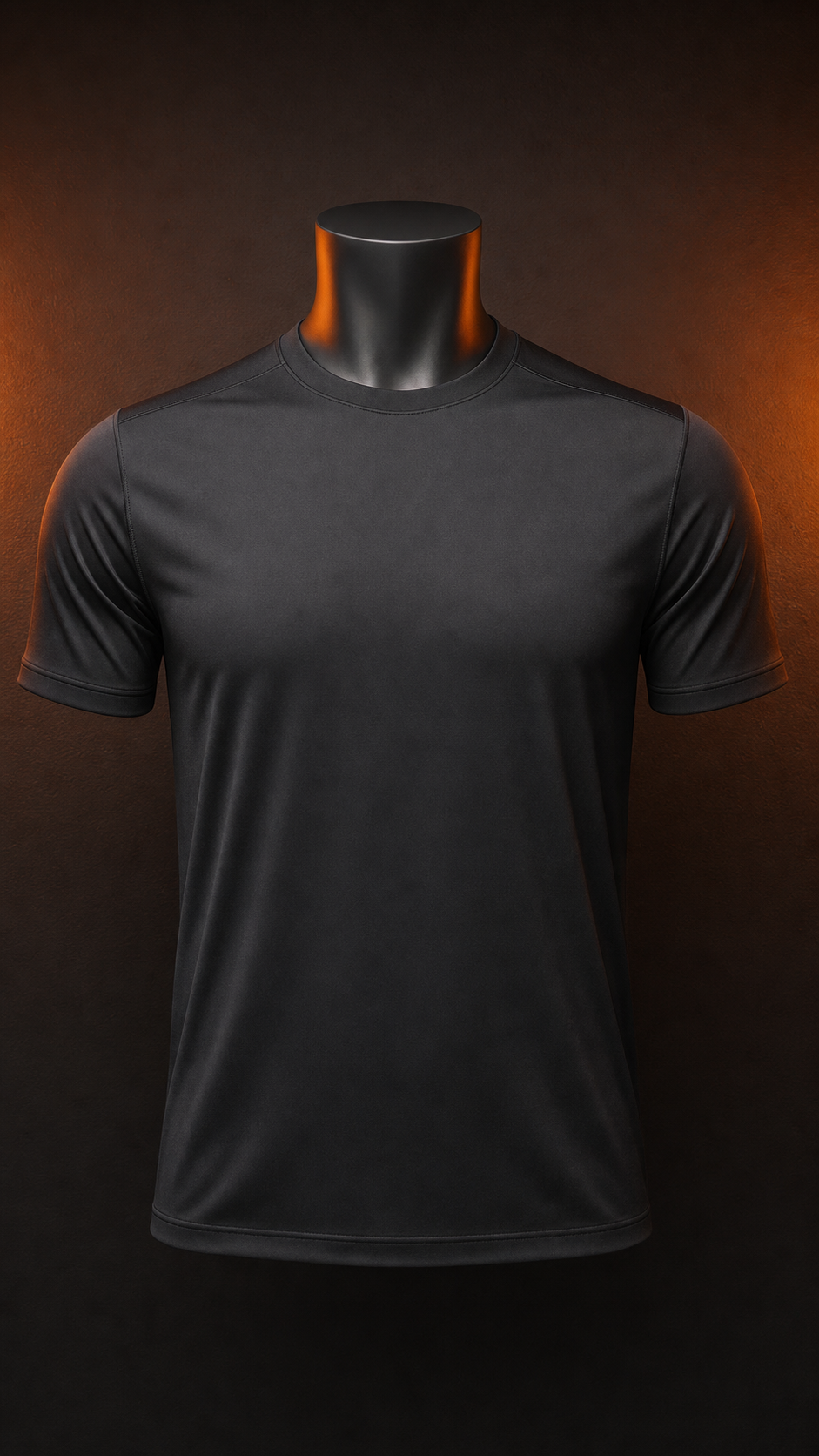
Download your video
Why animate your logo
Logo to animation is the act of converting a static brand mark into a moving video, and the framing matters: nothing about the logo changes except that it now lives in time. The mark keeps its geometry, its color and its edges; what the conversion adds is an entrance, a settle and a hold, timed to music. For a brand that already spent years making its logo recognizable, that is the cheapest upgrade available — the recognition is done, the motion just makes it impossible to scroll past.
The input side decides most of the outcome. A logo to animation conversion works cleanly when the file arrives with transparency, so the editor can read the mark's true edges — a transparent PNG or an SVG does this naturally, while a JPEG carries no alpha channel and renders as a rectangle no matter how careful the animation is. The rule is short: if a white or black box would embarrass the brand on a colored frame, the file is not ready yet. Fix the file, and the animation inherits a clean start.
The conversion itself is three decisions wearing work clothes. The frames set the mood — a light sweep for premium restraint, bold color blocks for energy, dark plates for drama. The track sets the pulse, because the tool reads the music's beat markers and switches the frames exactly on the hits, so the mark's settle lands with the downbeat instead of drifting over it. The mark size sets the presence — dominant for a stinger, modest for an intro that hands off to content. Three choices, then the browser renders the video while the coffee cools.
The output side is where a converted logo earns its keep across the calendar. One 9:16 export opens every Reel, Short and TikTok post; one 16:9 export up to 4K handles the website hero, the event screen and the presentation deck. The same conversion that took minutes becomes a reusable master, so the next campaign re-exports the same mark instead of re-briefing a designer — the difference between paying for a logo animation once and paying for every version of it forever.
Minimal marks make the strongest argument for the conversion, because they have no decoration to fall back on — a swoosh or a wordmark in motion carries the brand's energy entirely through timing and scale, which is why the most athletic brands in the world open their films with exactly this move. Convert the mark once, land the settle on the beat, and the brand reads as fast and confident as its own advertising — a logo to animation conversion that took minutes, and an asset that keeps opening content for years.
Perfect for
Frequently asked questions
How do I turn my logo into animation?
Upload your logo as a transparent SVG or PNG, pick four to eight background frames that match the brand's energy, choose a track, and the tool cuts the frames to the music's beat markers automatically. Preview the motion in the browser, adjust the mark size or swap a frame, and export 9:16 or 16:9 when it feels right.
Which logo file works best for logo to animation?
A transparent PNG or an SVG converts cleanly because the editor can read the mark's edges and keep them. A JPEG has no transparency built in, so it arrives as a rectangle — convert it to a transparent PNG first. If the logo only exists on a colored background, remove the background before exporting the file.
Is converting my logo to animation free?
Yes. Logo to animation on logoto.video is free during the launch window, including unlimited 720p, 1080p and 4K exports with no watermark. There is no trial clock and no credit card — upload the mark, make the conversion, and keep the files.
Can a minimal logo like a swoosh work as animation?
Yes — simple marks often convert better than busy ones. A clean shape like a swoosh has nowhere to hide, so the motion does the talking: a confident scale-in, a settle that lands exactly on the beat, and a brief hold gives a minimal mark the energy it carries in the brand's own advertising.
What if my logo is only available with a white background?
Convert it to a transparent PNG first — any image editor can remove a solid background in a click or two. A transparent file is what lets the editor keep the mark's edges clean and place it on colored frames without a visible box.
From the blog
Workflows, references, and strategies for motion-first brands.
Video is where customers are: 91% of businesses use video as a marketing tool (Wyzowl), and Wistia's retention data shows a short, branded opener keeps viewers longer than a static frame.