
Logo Video Maker Free: No Watermark Export
A free logo video maker that keeps the promise at the export: no watermark, no trial clock, unlimited 720p, 1080p and 4K renders in 9:16 or 16:9.

Why animate your zara logo
A free logo video maker that keeps the promise at the export: no watermark, no trial clock, unlimited 720p, 1080p and 4K renders in 9:16 or 16:9. Animate your logo with this brand style: a short-form video in minutes. No animator, no agency, no After Effects — just upload and ship.
⚡The free test happens at the export
Plenty of tools are free to open and expensive to finish: a watermark appears, the resolution drops, or the download button asks for a card. The test that matters is whether the finished file leaves clean. Here it does — no watermark, no trial clock and no payment step between the render and the download.
⚡A video file, not a template
The deliverable is a finished MP4, not a project file that still needs an application, a plugin and an afternoon. That distinction decides whether the job takes five minutes or five hours, and it is the reason a maker beats an editor for the opener most brands post every week.
⚡One upload covers every placement
9:16 vertical for Reels, Shorts and TikTok; 16:9 up to 4K for YouTube, websites and event screens. The motion is identical in every export because it comes from one source file — only the frame around the mark changes, so the brand looks the same in all of them.
⚡The logo arrives without a box
A transparent SVG or PNG gives the mark a real alpha channel, so it sits inside the background frames rather than on a rectangle pasted over them. A JPG cannot be repaired into this: the box is baked into the file and reappears in every frame of every export.
⚡Unlimited renders, because the fortieth export is the real use case
A free tier that allows one download is a demo, not a tool. A brand posting every day needs the twentieth version as much as the first, so renders stay unlimited during the launch window — paid tiers add volume and team seats, never the right to finish a file.
How to animate your logo
Upload your logo
Choose frames
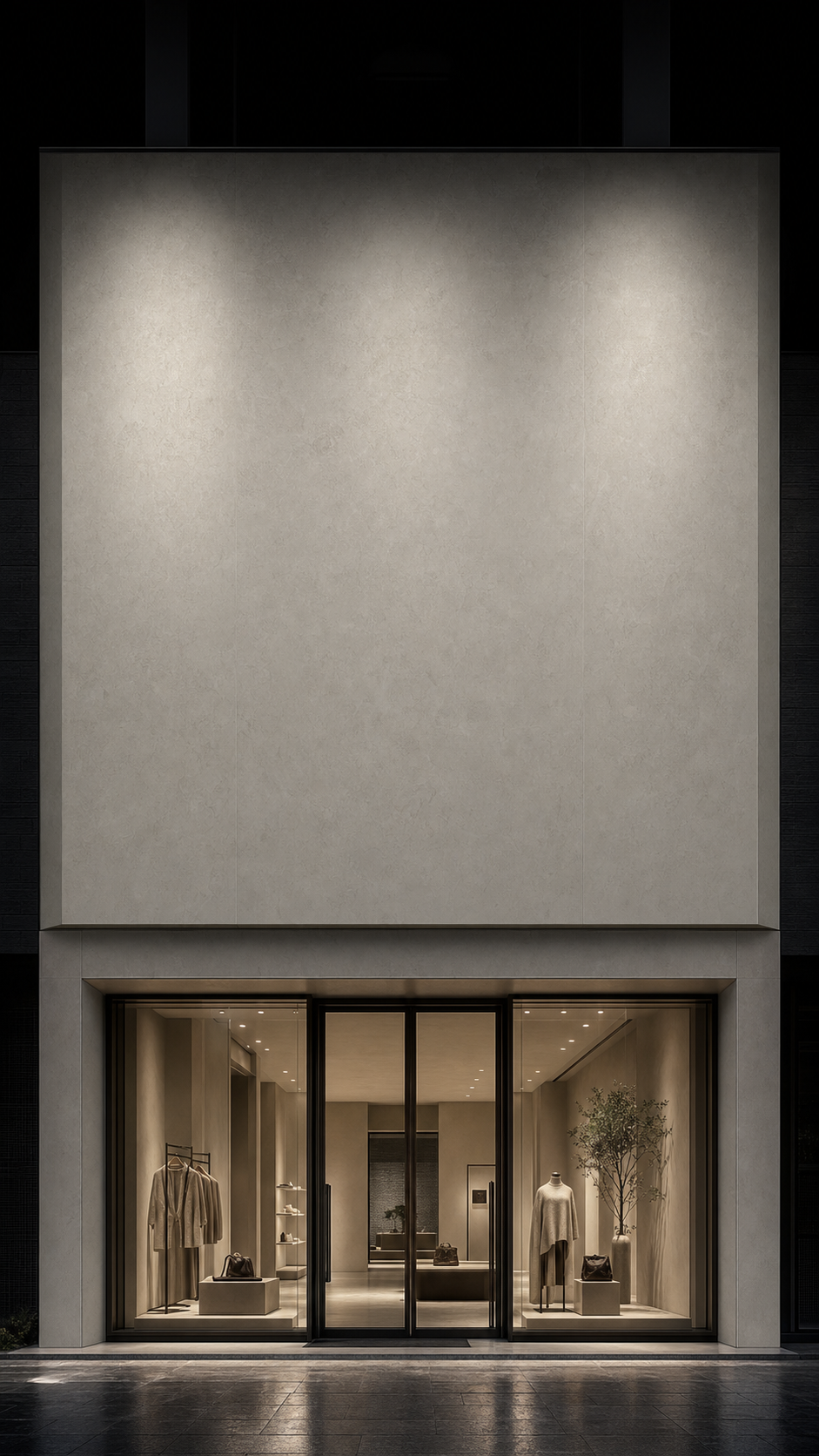

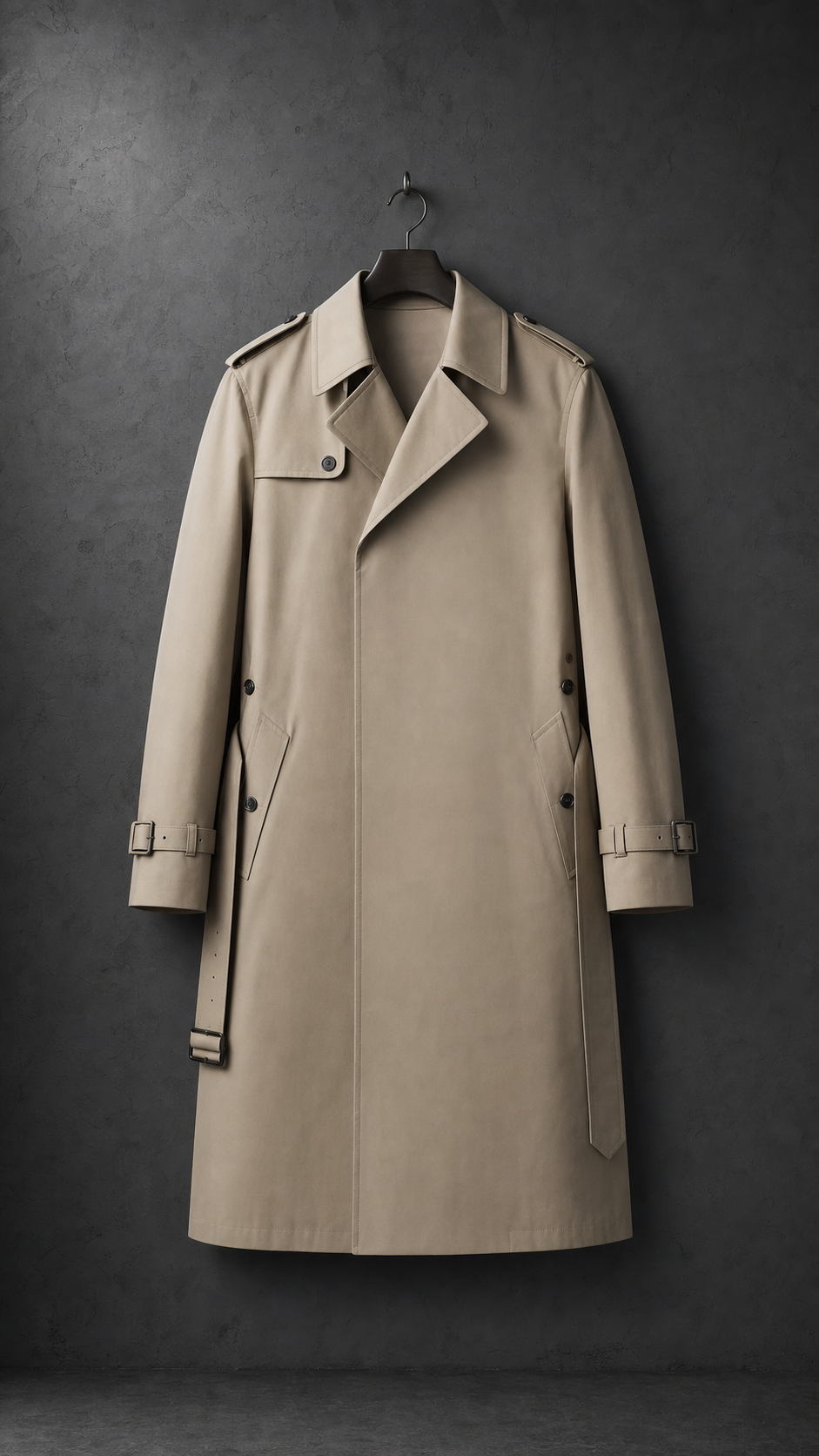
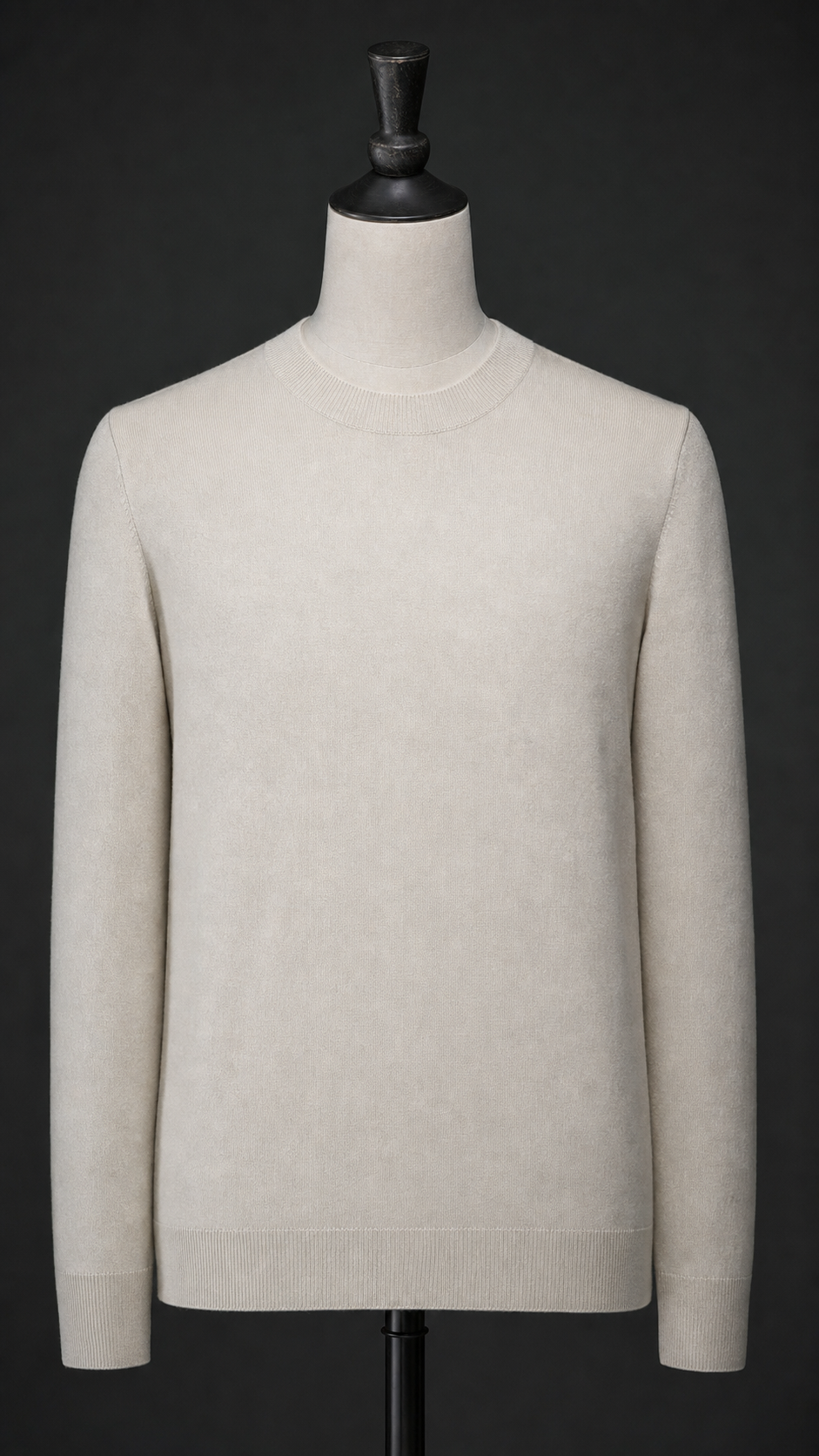
Download your video
Why animate your logo
logo video maker free is a query with a built-in scepticism. Most people typing it have already tried one free tool and found out what free meant: a watermark across the middle, a 720p ceiling, or a download button that turns out to require a card. The useful thing a page can do is not repeat the word free but define where the free ends — and the honest answer is that it ends nowhere between the upload and the finished file.
The second thing worth stating plainly is what the tool produces. A template is a project file — somebody else's timeline, layers and expressions, which still needs an application, a plugin list and an afternoon before it becomes anything watchable. A video file is the finished thing. For an opener that runs two to four seconds and gets replaced next month, the second category is the one that fits the job, and it is why a maker rather than an editor is the right instrument.
Format is the third decision, and it is made by the placement rather than by preference. Vertical 9:16 is what Reels, Shorts and TikTok play without cropping. Horizontal 16:9 up to 4K covers YouTube, website heroes and event screens. Because both come from a single upload, the motion stays identical across them — the alternative, re-animating per channel, is how a brand ends up with four openers that each move slightly differently.
The source file decides whether the result looks placed or pasted. A transparent SVG or PNG carries an alpha channel, so the mark sits inside the background frames. A JPG does not, and no export setting recovers an edge that was never in the file: the mark travels inside a visible rectangle that shows up in every frame. It is the most common reason a free logo video looks like a free logo video.
Then there is volume, which is where free tiers usually stop being useful. A brand that posts daily does not need one logo video, it needs the fortieth, and a plan that allows a single download is a demo rather than a tool. Unlimited renders during the launch window are the part of this page that matters most, because the real test of a logo video maker free of charge is whether it is still free the fifth time you use it.
Perfect for
Frequently asked questions
Is this logo video maker really free?
Yes. Creating and exporting a logo video is free during the launch window, including unlimited 720p, 1080p and 4K renders in 9:16 and 16:9. There is no watermark, no trial clock and no card required to download the finished file. Paid tiers exist for teams that need higher volume and shared seats.
Do I get a video file or a template?
A finished video file. You upload a transparent logo, choose frames and a track, and the animation is generated and cut to the beat — then exported as a standard MP4 you can post directly. Nothing is handed back that still requires After Effects, a plugin or a project file before it becomes usable.
Can I use a free logo video commercially?
Yes. Anything you export is yours to use in ads, channel branding, client work and product pages. The free tier limits nothing about where the file can go; paid tiers add export volume and team seats rather than commercial rights, so a freelance editor can deliver paid client work from the free plan.
What file should I upload?
A transparent SVG scales to any export size without losing edge quality, and a high-resolution PNG with a genuine alpha channel works almost as well. Avoid a JPG: its solid background turns the mark into a visible box sitting on top of the frames instead of a logo placed inside them.
How long does it take to make one?
The first export takes a few minutes, most of which is spent choosing the track and the background frames rather than rendering. Every later version is faster, because the source file is already uploaded. That is the difference between a free logo video maker and a free trial — the fifth video costs the same as the first.
From the blog
Workflows, references, and strategies for motion-first brands.
Video is where customers are: 91% of businesses use video as a marketing tool (Wyzowl), and Wistia's retention data shows a short, branded opener keeps viewers longer than a static frame.