
Animation Logo for YouTube Channel
Animated logo for a YouTube channel in minutes. Upload the mark, pick a track, and export avatar, banner and intro cuts without a timeline. Free to try.

為何Nike需要 Logo 動畫
Animated logo for a YouTube channel in minutes. Upload the mark, pick a track, and export avatar, banner and intro cuts without a timeline. Free to try. Animate your logo with this brand style: a short-form video in minutes. No animator, no agency, no After Effects — just upload and ship.
⚡A mark that survives the channel circle
The YouTube channel avatar renders as small as 98 by 98 pixels, and most animated logo attempts die right there. This one ships with a small-size pass built in, so the mark still reads when it is shrunk into a comment thread or a suggested-video row.
⚡Pre-sized for every channel surface
The same master exports as a 2048 by 1152 channel art banner, a 16:9 intro for the upload, and a 9:16 cut for Shorts. You are not rebuilding the animation for each placement, you are re-exporting the same one.
⚡Cut to the beat of your own track
Drop in the track you already use for outros and the frames switch on its markers. A channel intro that lands on the beat reads as intentional in a way that a fixed two-second fade never does.
⚡Built for channel rebrands
You will change the channel art six times before you change the channel name. Because the animation is generated from the logo file, a rebrand is a re-upload rather than a new motion design project.
⚡Free to try in the browser
No After Effects, no timeline, no render queue. Upload the logo, pick frames, export 720p, 1080p or 4K during the launch window.
如何使用
Upload your logo
Choose frames
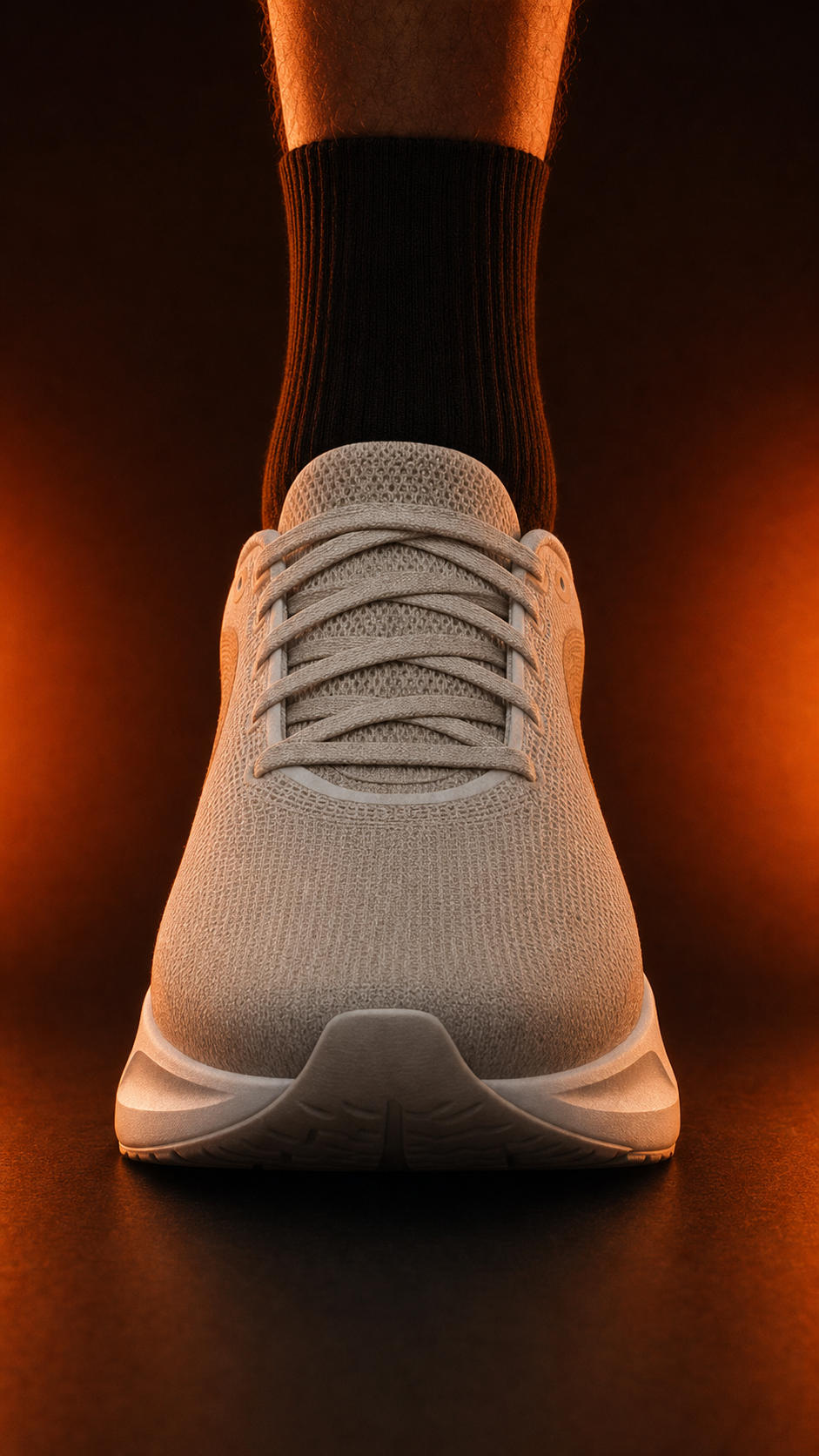
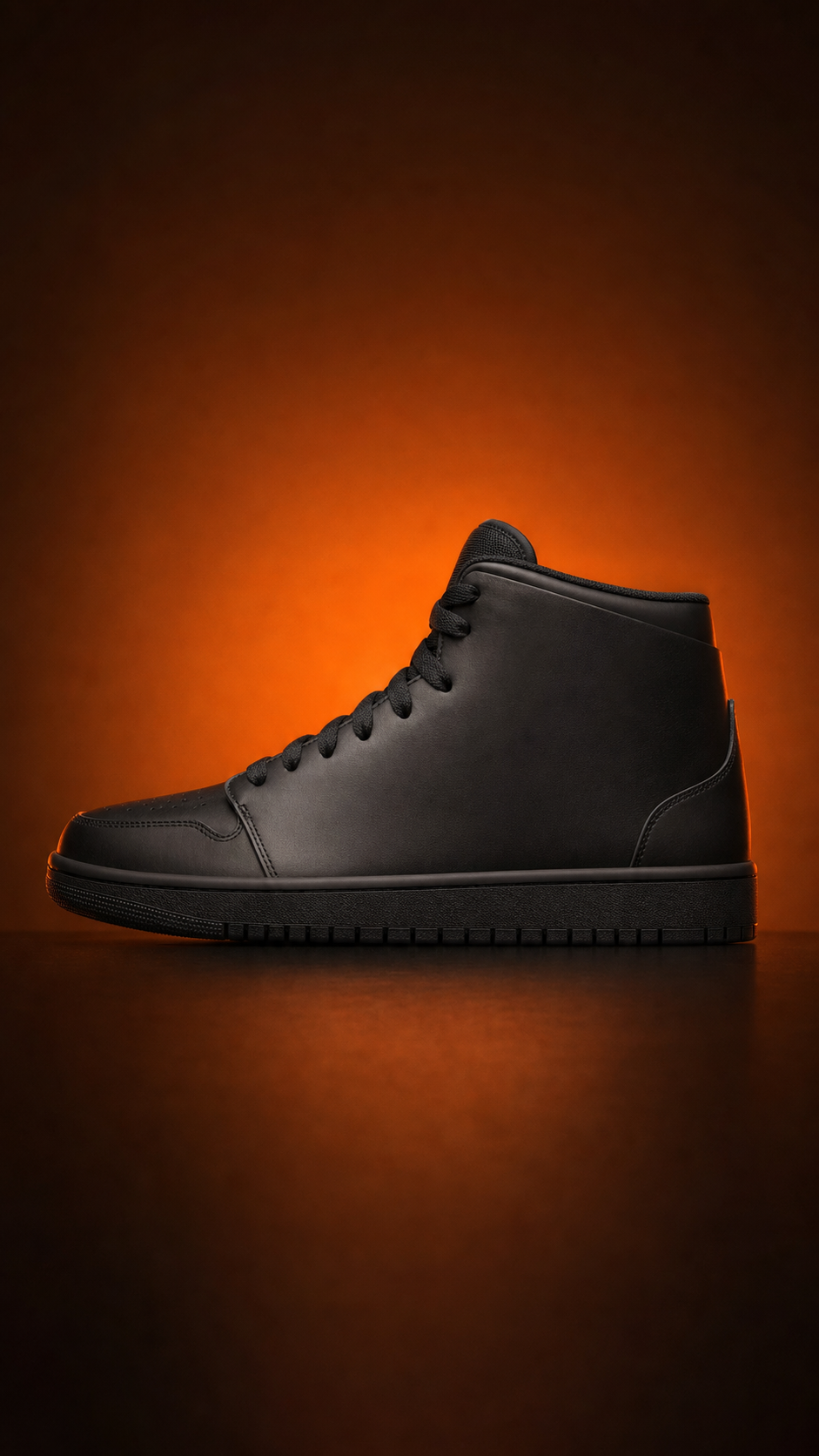
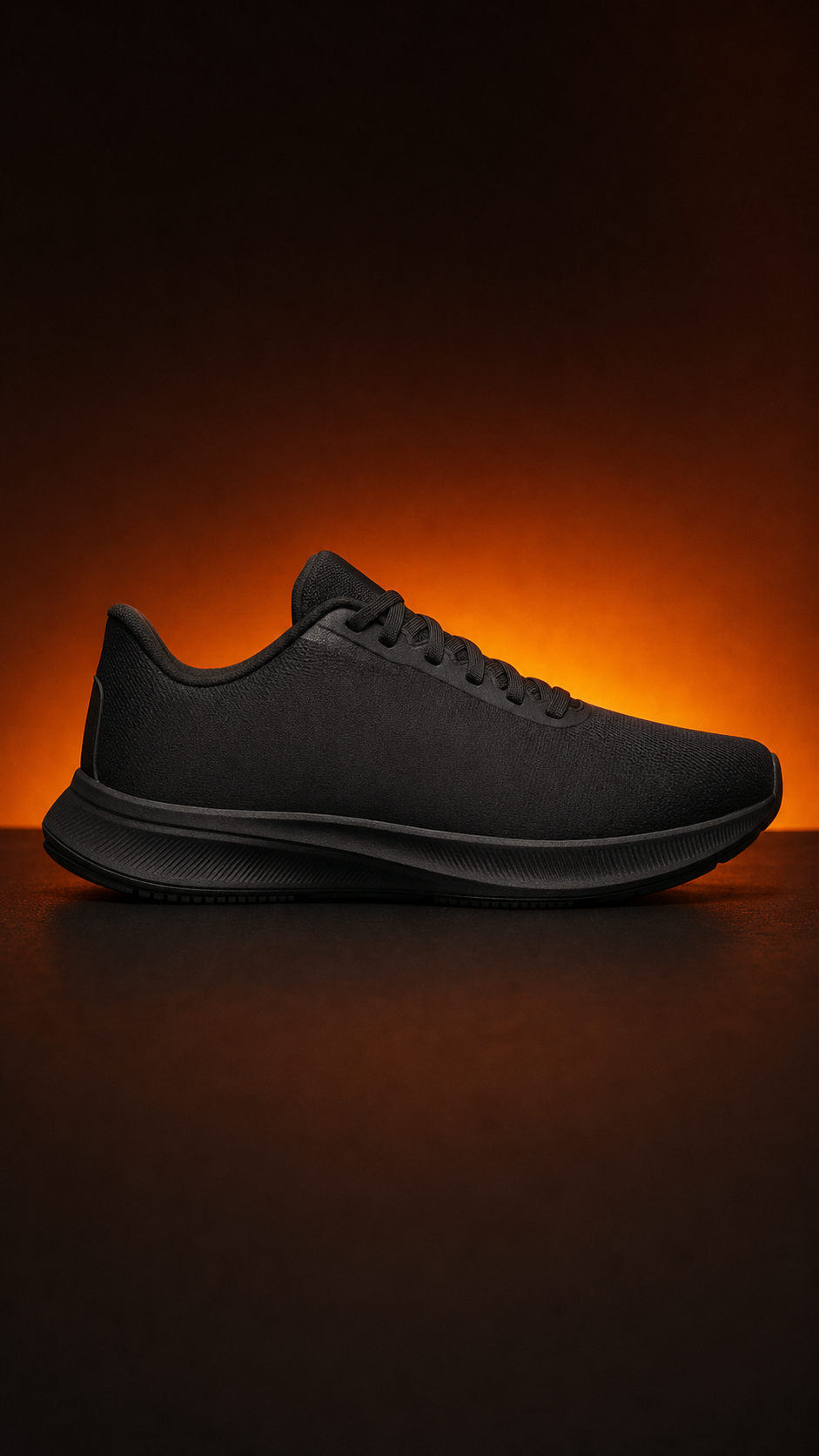
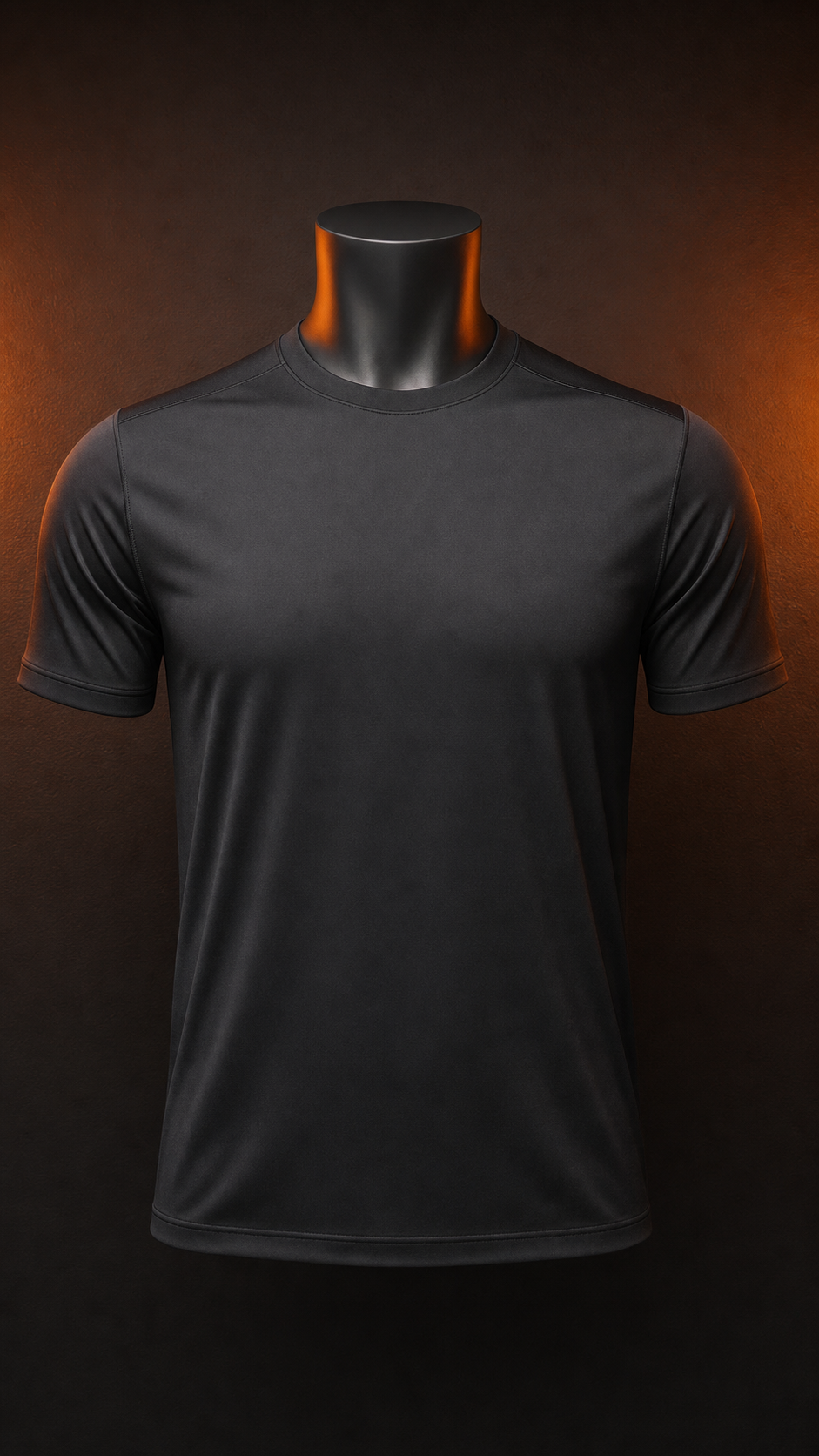
Download your video
Why animate your logo
A channel does not need a cinematic title sequence. It needs one reliable animated mark that shows up in the avatar, opens the upload, and closes the Short — and most creators never build it because the work sounds bigger than it is. An animation logo for a YouTube channel is really three exports from one file.
Start with the constraint, not the animation. The avatar renders at roughly 98 by 98 pixels, so anything with fine detail, thin strokes or small type simply vanishes. The rule that follows is simple: let the logo file carry the detail and let the motion carry the silhouette. A mark that reads at 98 pixels will read everywhere else.
From there, the build is short. Upload the logo, pick a handful of background frames, drop in a track, and the tool cuts the frames to the beat markers. Because the track is the one already used for outros and sponsored reads, the animated logo lands in the same rhythmic pocket as the rest of the channel.
The placement problem is the one creators underestimate. Channel art is a 16:9 banner with a recommended size around 2048 by 1152, with a safe area in the middle that stays visible on television apps. Shorts want 9:16. The avatar wants square. Generating the animation once and re-exporting three crops is less work than animating three files.
There is also a maintenance argument. Channels get rebranded far more often than they get renamed, and when the animation is generated from a logo file rather than hand-built in a timeline, a rebrand costs one upload. The mark changes, the motion stays, and every surface updates on the next export.
Underneath all of it is layout discipline. A channel intro works when the animation sits in the space the end card does not use. Build both, then decide what the motion should do in the seconds the viewer is still watching.
適合
常見問題
What size should an animation logo for a YouTube channel be?
Start from a square 1080 by 1080 master, then export the avatar crop. YouTube displays the channel avatar at roughly 98 by 98 pixels in most surfaces, so the animation has to stay legible at that size. The channel art banner is a separate 16:9 export sized to the 2048 by 1152 recommendation.
Can I use this on my channel art banner too?
Yes. The 16:9 export is built for channel art, and the same master produces a 9:16 cut for Shorts and a square for the avatar. One animation, three placements, and you only re-upload the logo file when the brand changes.
Will it look right at 98 by 98 pixels?
Only if the animation is designed for it. Detail, thin strokes and small type disappear at avatar size, so this workflow keeps the motion to the silhouette and lets the logo file carry the detail. Every project starts with the small-size pass before the full-size export.
Is it free to try?
Yes. Uploading a logo, generating beat-synced frames and exporting up to 4K are free during the launch window. Nothing about the YouTube channel workflow is paywalled, and there is no watermark on the export.
Do I need After Effects or another editor?
No. The whole thing runs in the browser: upload the logo, pick background frames, choose a soundtrack, and the frames cut to the beat markers. If you later want timeline control you can, but nothing in this workflow requires it.
來自部落格
面向動態優先品牌的工作流程、參考資料和策略。
Video is where customers are: 91% of businesses use video as a marketing tool (Wyzowl), and Wistia's retention data shows a short, branded opener keeps viewers longer than a static frame.